01
Living Room
Welcoming layouts, décor suggestions, and personalized style recommendations.
Upload your room and explore realistic layouts, furniture, colors and décor ideas created around your taste, dimensions and budget.
10+
Interior styles
6
Room categories
3 min
First concept
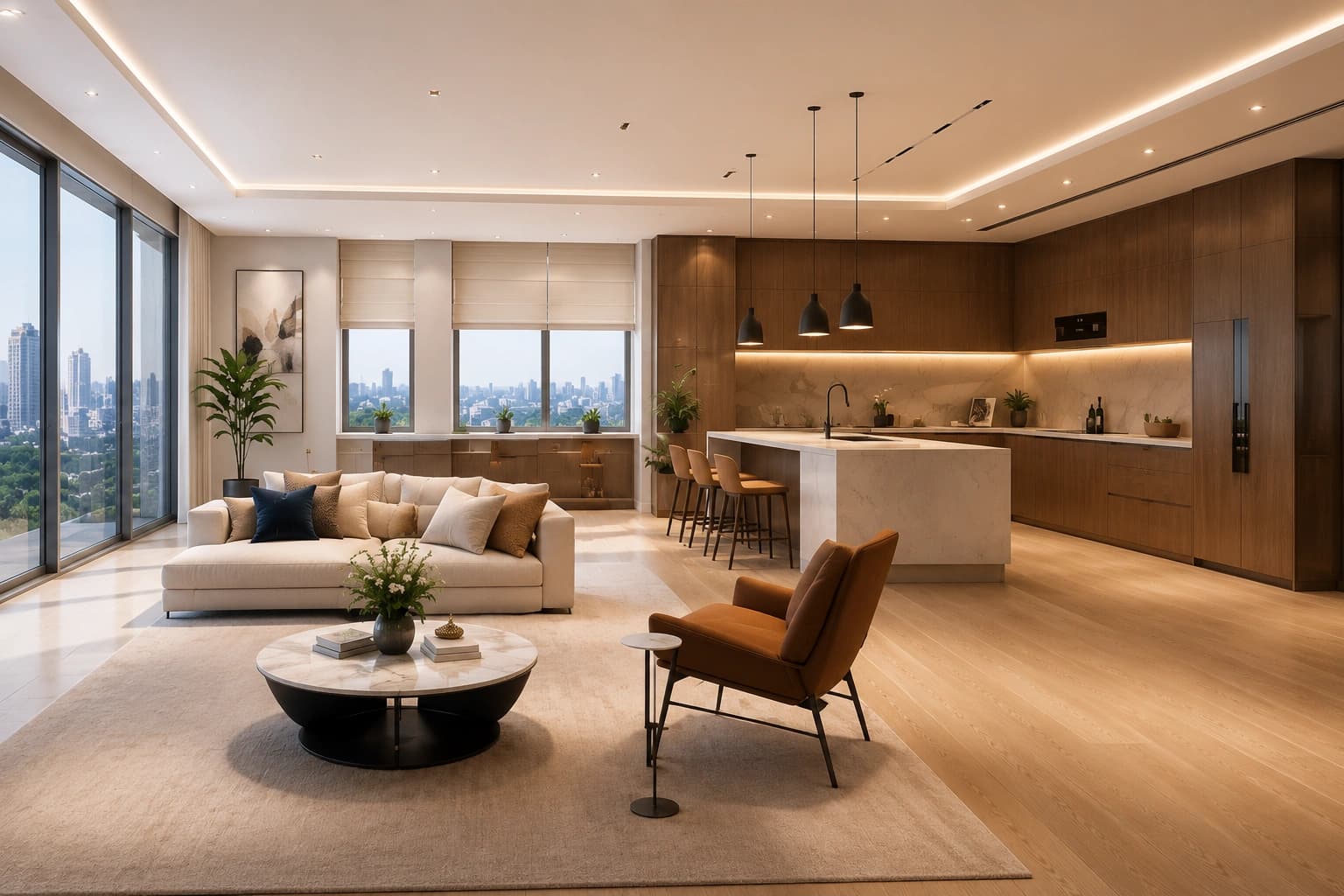
AI Concept
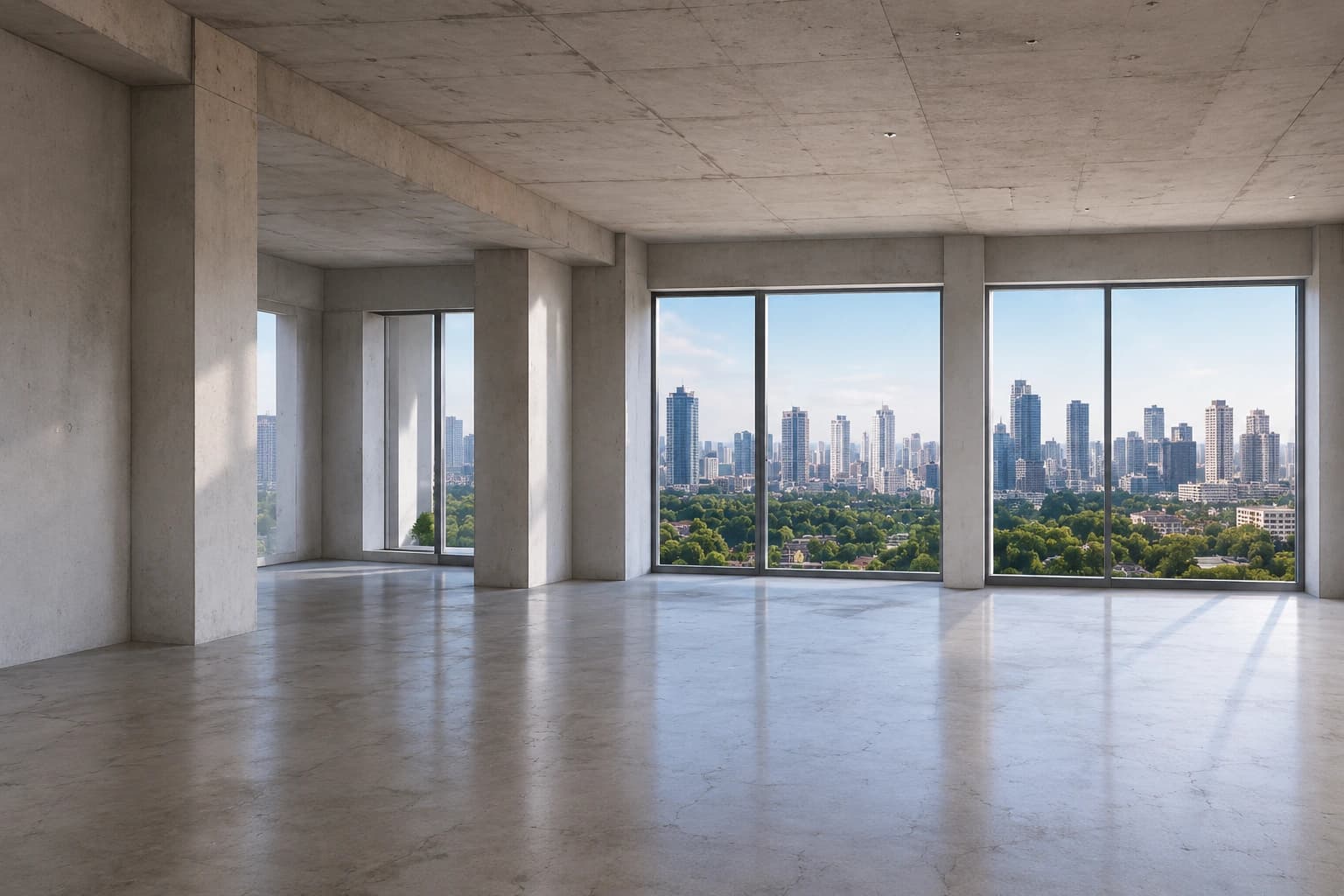
Before
Original room
6 concepts
ready to compare
 Generative AI
98%
Design accuracy
AI Design Studio turns ideas into beautiful living spaces for homeowners, designers, and real estate pros — customized concepts that match your dimensions, preferences, and lifestyle.
Matches your space
Concepts built around your real dimensions and layout.
Tuned to your taste
Styles, colors, and budget — exactly the way you like.
Practical & realistic
Actionable design recommendations, not just pretty pictures.
From a single room refresh to a whole-home concept — every space, covered.
Welcoming layouts, décor suggestions, and personalized style recommendations.
Relaxing concepts with optimized layouts, lighting, storage, and palettes.
Modern layouts, cabinetry, countertops, backsplashes, and appliance placement.
Stylish, functional designs with tiles, vanities, lighting, and fixtures.
Elegant dining spaces with seating, lighting, and décor that fit your home.
Productive workspaces with smart placement, lighting, and ergonomic layouts.
Generate designs across a wide range of interior styles.
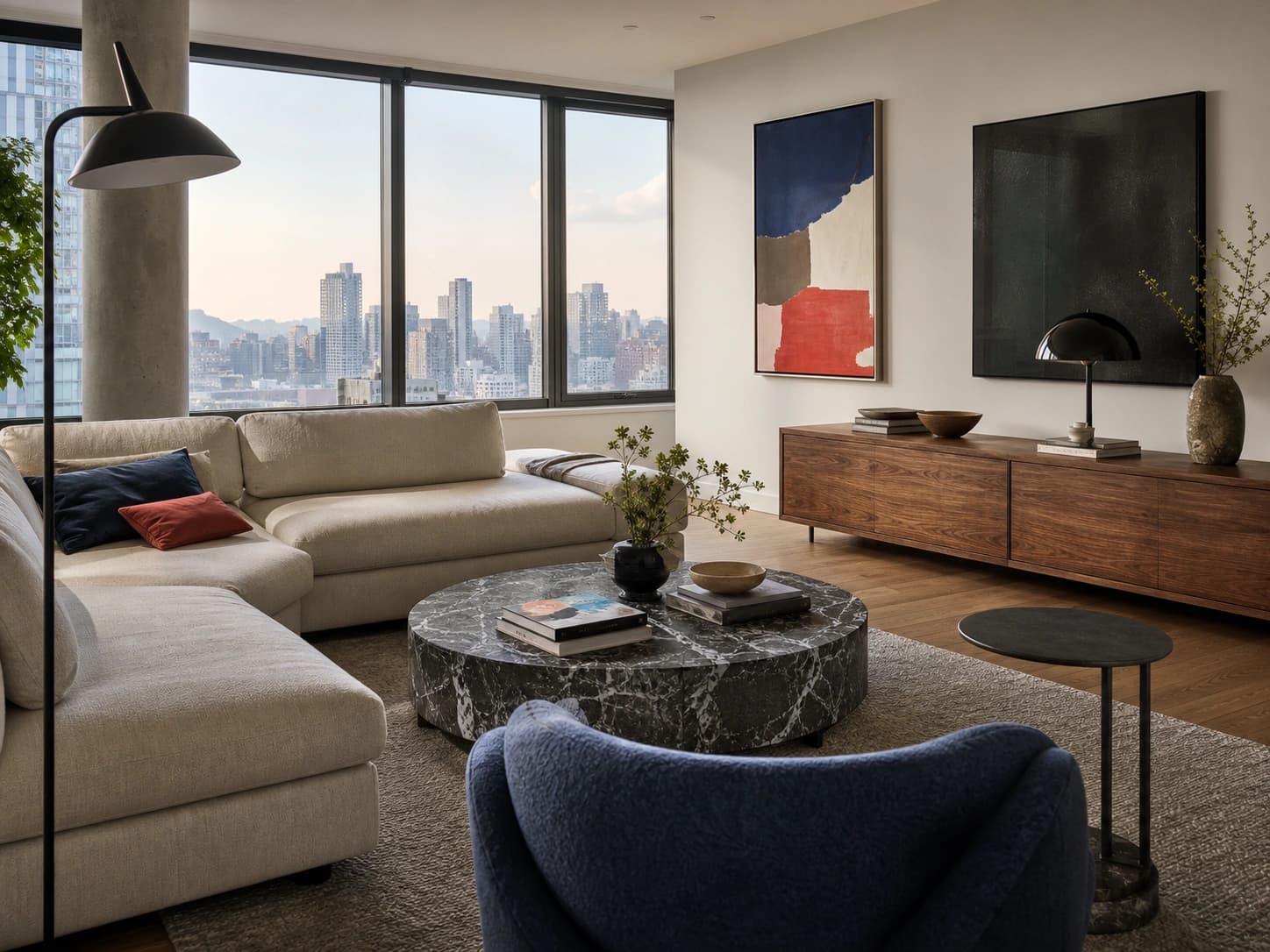 Modern
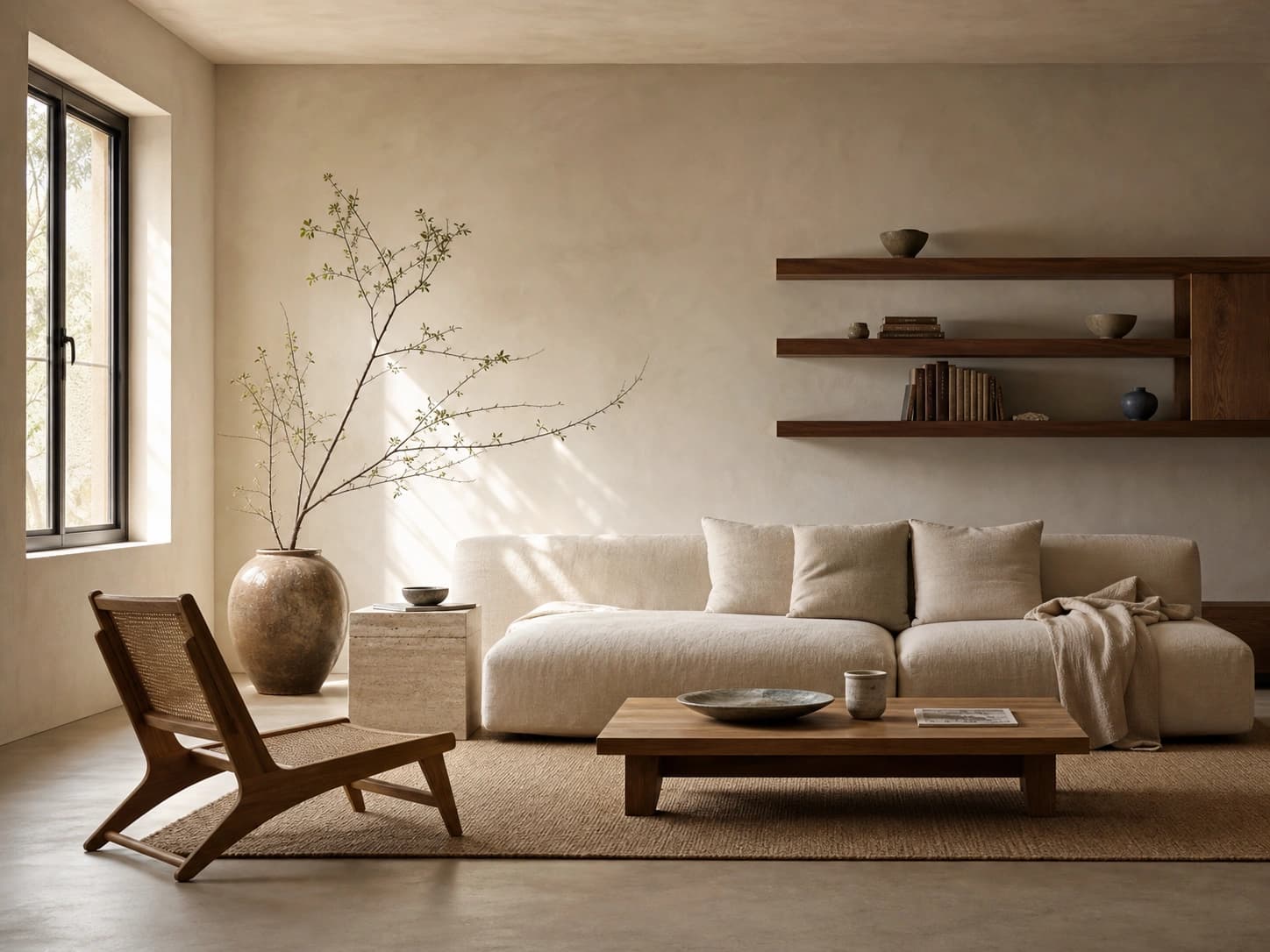 Minimalist
 Scandinavian
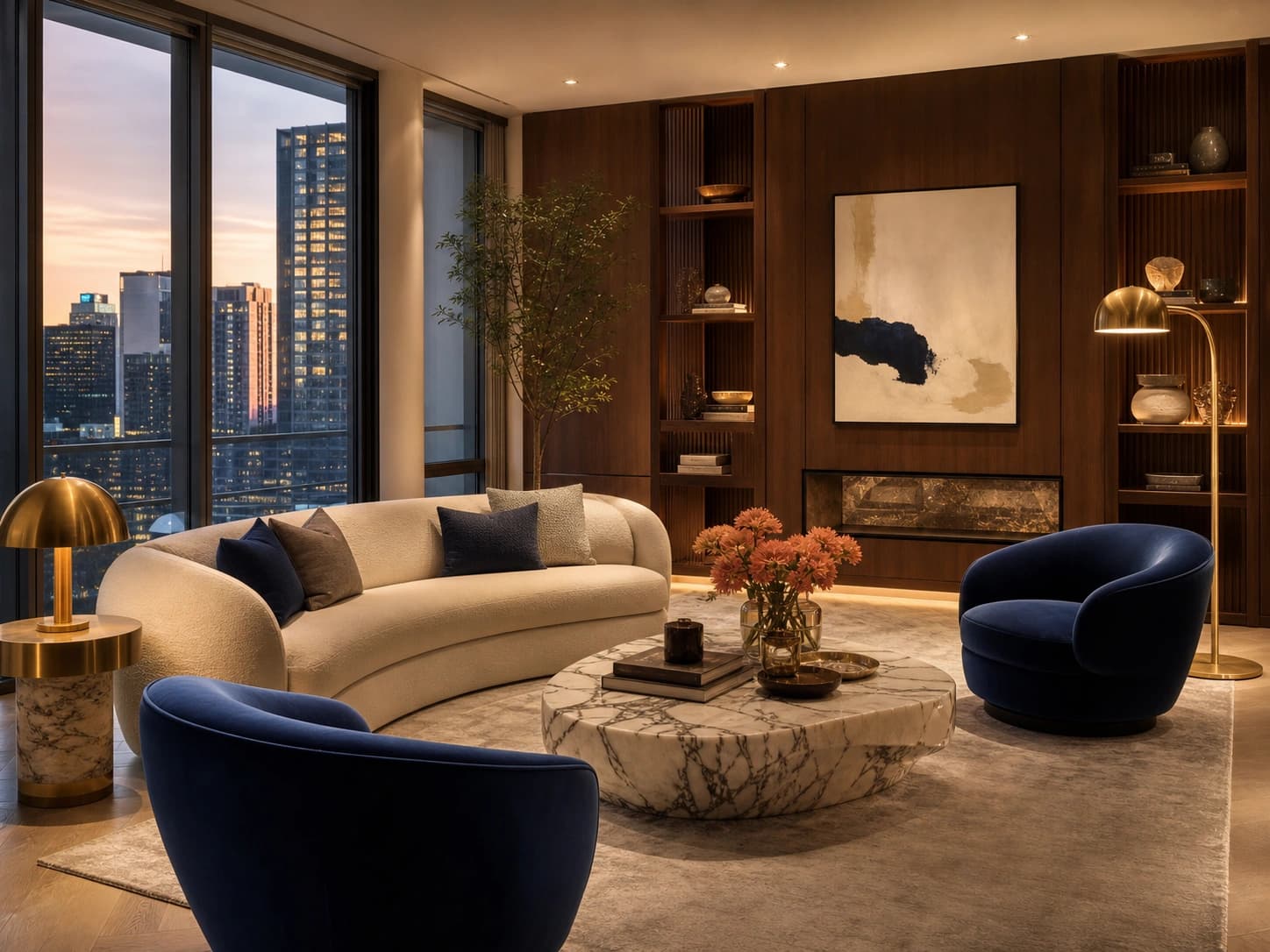 Luxury
The intelligence working behind every concept you generate.
Understands room layout, dimensions, windows, doors, and existing furniture.
Optimizes furniture placement for better comfort and functionality.
Creates balanced color combinations for walls, furniture, and décor.
Recommends layouts that maximize space and improve room flow.
Generates concepts based on your preferred style, budget, and lifestyle.
Compare different design concepts before making a final decision.
Five steps from a blank space to a fully realized concept.
Step 1
Upload a room photo or start from scratch.
Step 2
Select the room type and preferred interior style.
Step 3
Fine-tune colors, materials, furniture, and budget.
Step 4
Generate multiple AI-powered design concepts.
Step 5
Save, edit, compare, or continue to visualization.
 AI-generated
3 min
To your first concept
10+ styles
to explore
Everything you need to go from idea to beautiful, realistic interior — faster and with more confidence than ever.
For everyday creators
Visualize renovation ideas before investing.
For studios & pros
Create client-ready concepts faster.
For retail & commerce
Showcase products in AI-generated interiors.
For property teams
Present beautifully designed model homes.
Everything you need to know about designing with the AI Design Studio. Can't find your answer? Our team is only a message away.
Yes. Simply upload a room image, and Kinquad will generate personalized design concepts.
Yes. You can create and manage multiple room projects from your account.
Absolutely. Adjust colors, layouts, furniture, materials, and design styles to match your preferences.
No. AI Design Studio is designed for both beginners and professionals.
Can't find what you're looking for?
Contact support
Create beautiful interiors, explore endless design possibilities, and bring your ideas to life with AI.