01
Furniture Visualization
Place sofas, tables, beds, cabinets, and chairs to see how they fit before buying.
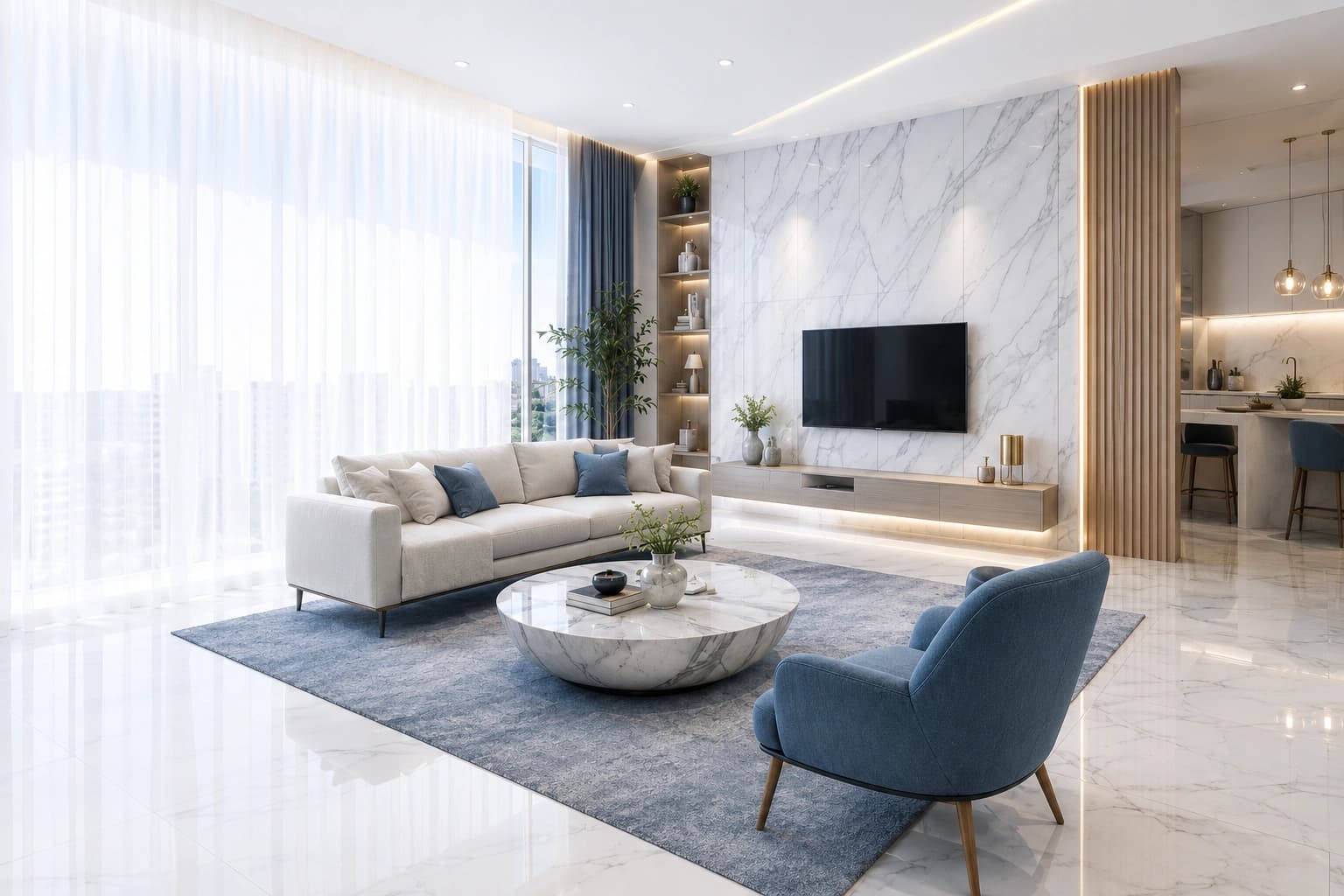
See exactly how furniture, décor, paint colors, flooring, and lighting will look in your home before making a purchase — realistic AI previews that help you compare ideas and design with confidence.
Realistic Previews
Match Your Style
Compare Options
Save Time & Money

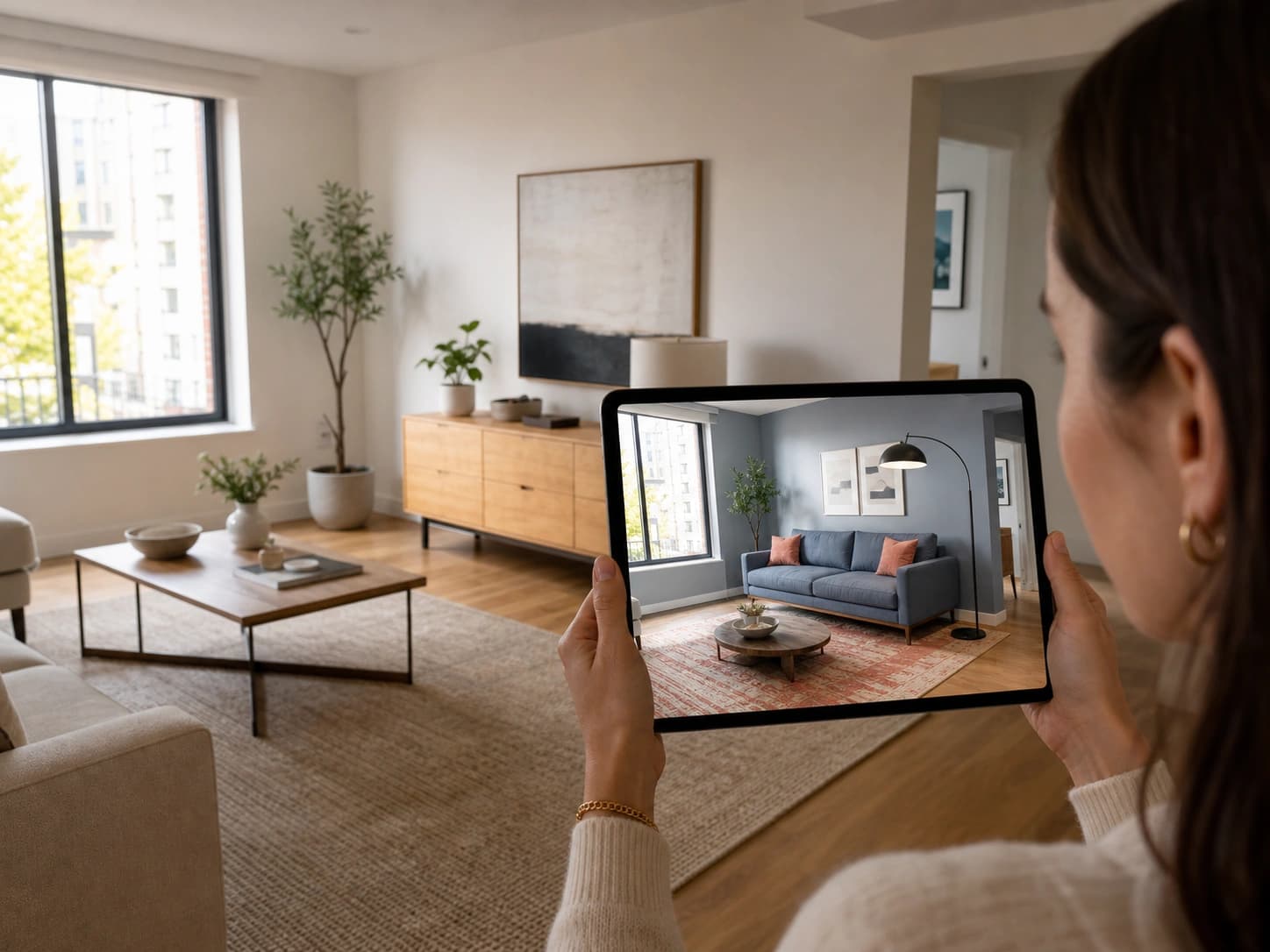
Before
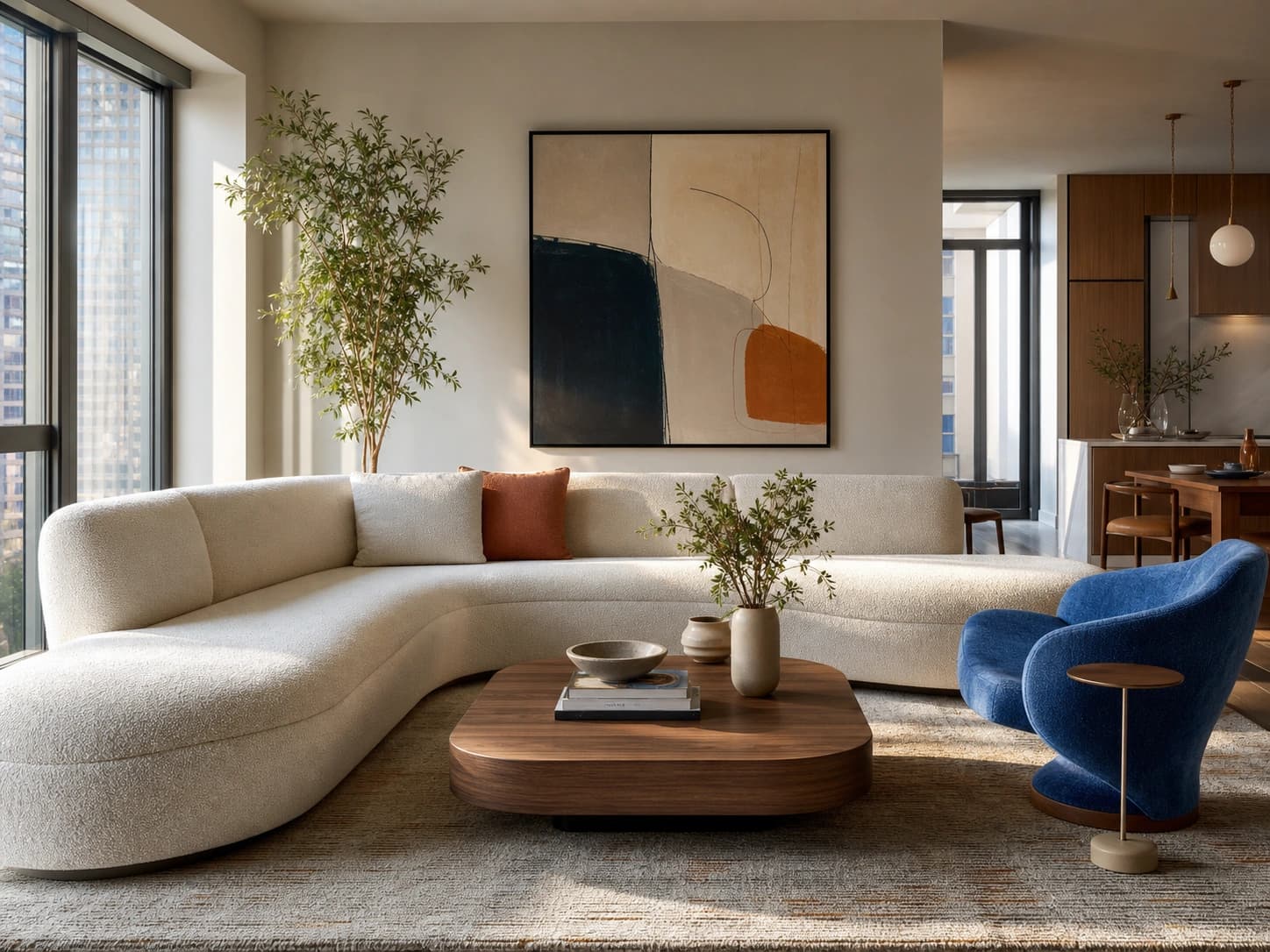
AI Design Preview
 Realistic Rendering
Lifelike
Detailed previews
Visualization Studio helps homeowners, interior designers, furniture brands, and real estate developers preview every design choice before implementation. Upload your room, experiment with products and styles, and instantly generate lifelike visualizations.
See before you buy
Preview furniture, colors, and finishes in your real room.
Experiment freely
Swap products and styles instantly — no repainting, no risk.
Compare with confidence
Line up multiple design options side by side before deciding.
From furniture placement to wall colors and flooring materials — explored in a realistic digital environment.
Place sofas, tables, beds, cabinets, and chairs to see how they fit before buying.
Experiment with paint colors, wallpapers, textures, and accent walls — no repainting.
Compare hardwood, marble, tile, vinyl, laminate, and carpet to find the perfect fit.
Preview natural daylight, warm and cool lighting, pendants, and smart setups.
Add rugs, curtains, artwork, mirrors, plants, and accessories to complete the look.
Compare your existing room with AI redesigns using interactive side-by-side previews.
The intelligence working behind every lifelike preview you generate.
Automatically detects room structure, walls, windows, doors, and existing furniture.
Places furniture and décor naturally while maintaining realistic proportions and spacing.
Suggests products and design elements that complement your selected interior style.
Generate and compare multiple visualization options before making a final decision.
Create realistic previews with detailed textures, lighting, and materials.
Store multiple versions of your designs and revisit them anytime.
From a single photo to a fully realized preview — in minutes.
Step 1
Upload a photo of any room in your home.
Step 2
Pick furniture, colors, flooring, lighting, or décor.
Step 3
Create realistic AI-powered visualizations instantly.
Step 4
Compare options, save favorites, or continue shopping.
For everyday creators
Make confident purchasing decisions by seeing products in your own space.
For studios & pros
Present multiple design concepts and product combinations to clients.
For retail & commerce
Help customers visualize products before purchasing to boost engagement.
For property teams
Show fully furnished homes with realistic virtual staging.
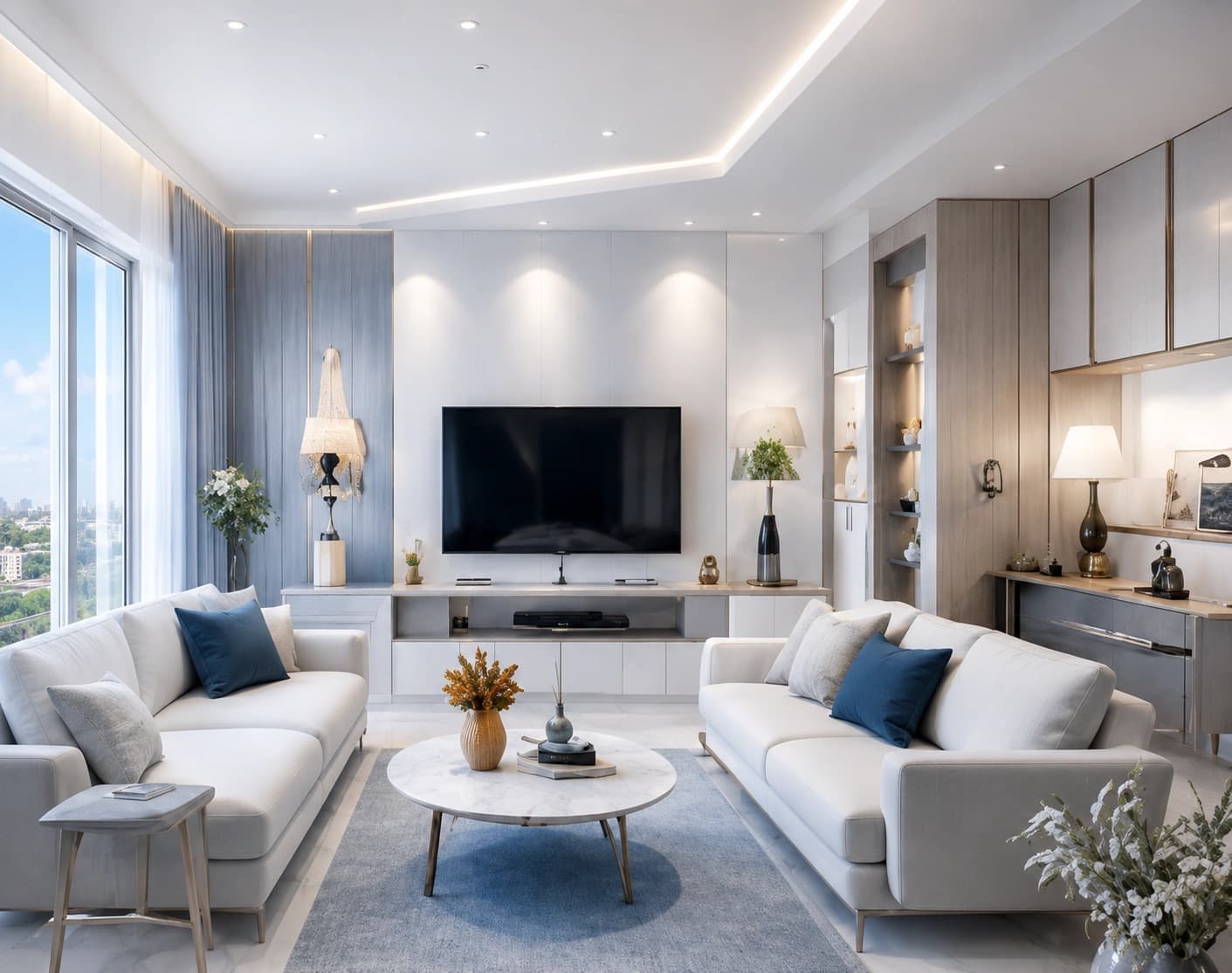 AI-visualized
Zero risk
Preview before you buy
Compare
side by side
Everything you need to preview design choices, avoid costly mistakes, and make confident decisions — all in one realistic AI workspace.
Everything you need to know about previewing designs with Visualization Studio. Can't find your answer? Our team is only a message away.
Yes. Upload any room photo to create personalized AI visualizations.
Yes. Compare different furniture layouts, colors, and styles before making a decision.
Kinquad uses advanced AI visualization techniques to generate highly realistic previews based on your room and selected products.
Yes. Furniture brands, interior designers, and real estate developers can use the platform to create engaging customer experiences and showcase products.
Can't find what you're looking for?
Contact support
Visualize every design choice, compare ideas, and create beautiful spaces with AI-powered home visualization.